Audio Tools
4 min read
•Updated 2026-10-03
How to Remove Audio from a Video (Free, No Software)
Strip the sound from any video and save a silent MP4 in seconds — free, in your browser, no upload or watermark.
Md Atiar Rahman Ovi
Lead Systems Architect, Vidzory Media Lab
Whether you need to mute distracting wind noise on B-roll footage, strip copyrighted background music to avoid an automatic copyright strike, or prepare silent video loops for a website landing page, removing the sound track should not take 20 minutes in a heavyweight desktop video editor. Here is how to create a silent MP4 in seconds.
Why Lossless Stream Copy Matters for Muting
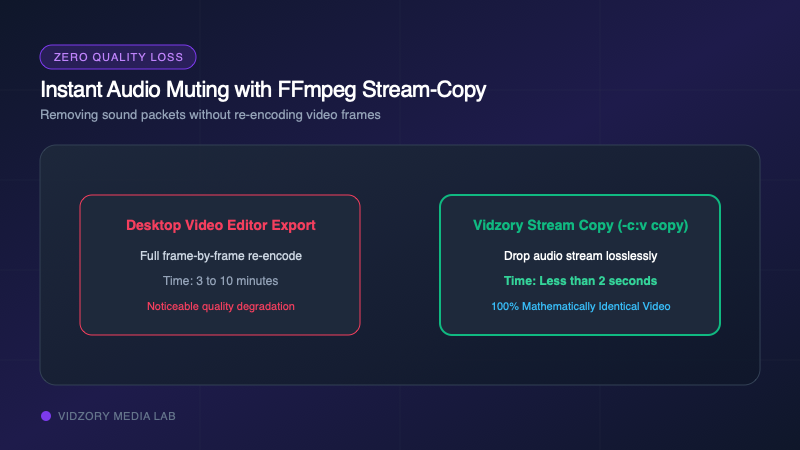
When you import a video into desktop editors like Premiere or iMovie and export a muted version, the editor re-compresses every single video frame. This takes several minutes, heats up your computer, and degrades the image quality.
Vidzory’s Remove Audio utility uses FFmpeg stream copy with the "-an -c:v copy" flag. It simply strips out the audio packet stream and repacks the video track losslessly into a new MP4 container in less than two seconds without re-encoding a single frame.
How to Mute Any Video in 3 Clicks
1. Open Vidzory's Remove Audio from Video Tool.
2. Drag and drop your MP4, MOV, or WebM file.
3. Click "Mute & Process". Your silent video is ready for immediate download.